Overall Score
One daily score that sums up your vitals, sleep and activity, so you know how today is going.
Ezly for iPhone
Ezly turns heart rate, HRV, blood oxygen, sleep and steps into one clear daily score, with simple insights you can act on.
Your key signals in one place, explained in plain language.
One daily score that sums up your vitals, sleep and activity, so you know how today is going.
See how well you’ve recovered and how ready you are, with the change since yesterday.
HRV, blood oxygen, respiratory rate and resting heart rate, by week or month.
Track how long you sleep each night and how it affects the rest of your day.
Daily goals, weekly step trends and monthly highlights to keep you moving.
Plain-language analysis of your numbers, based on information from the NHLBI.
Every screen answers one question, without the clutter.
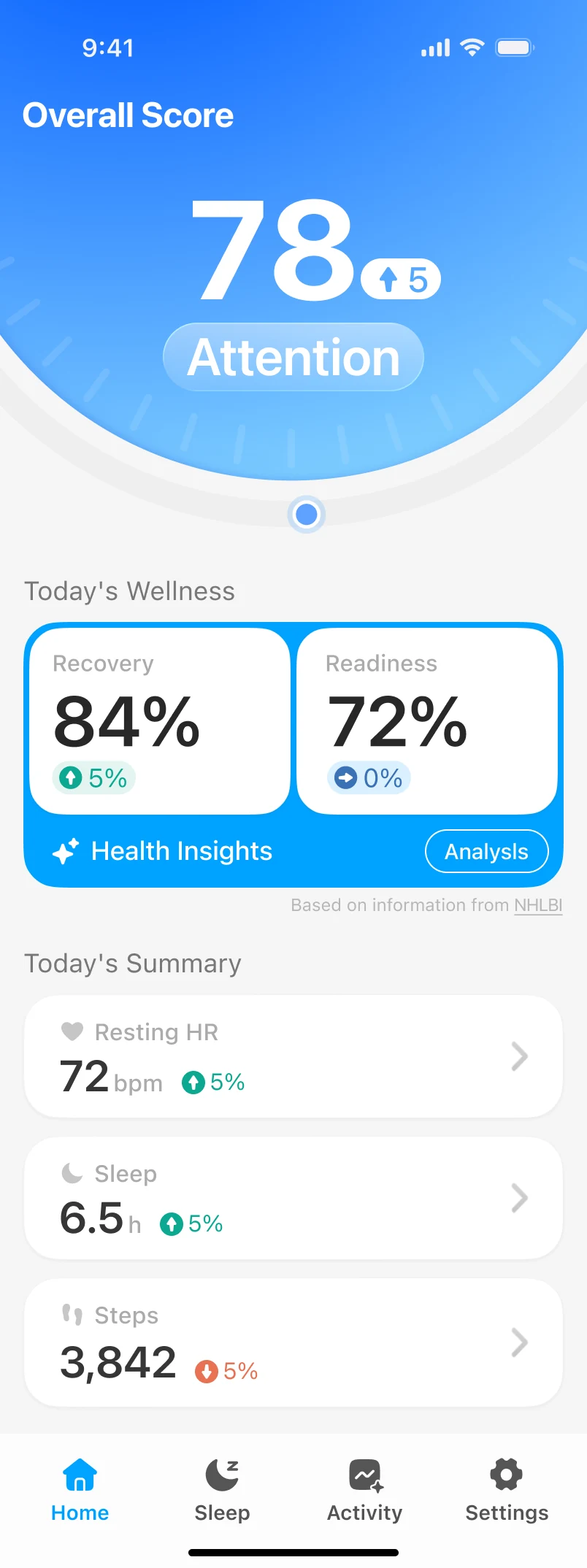
Your score and today’s summary
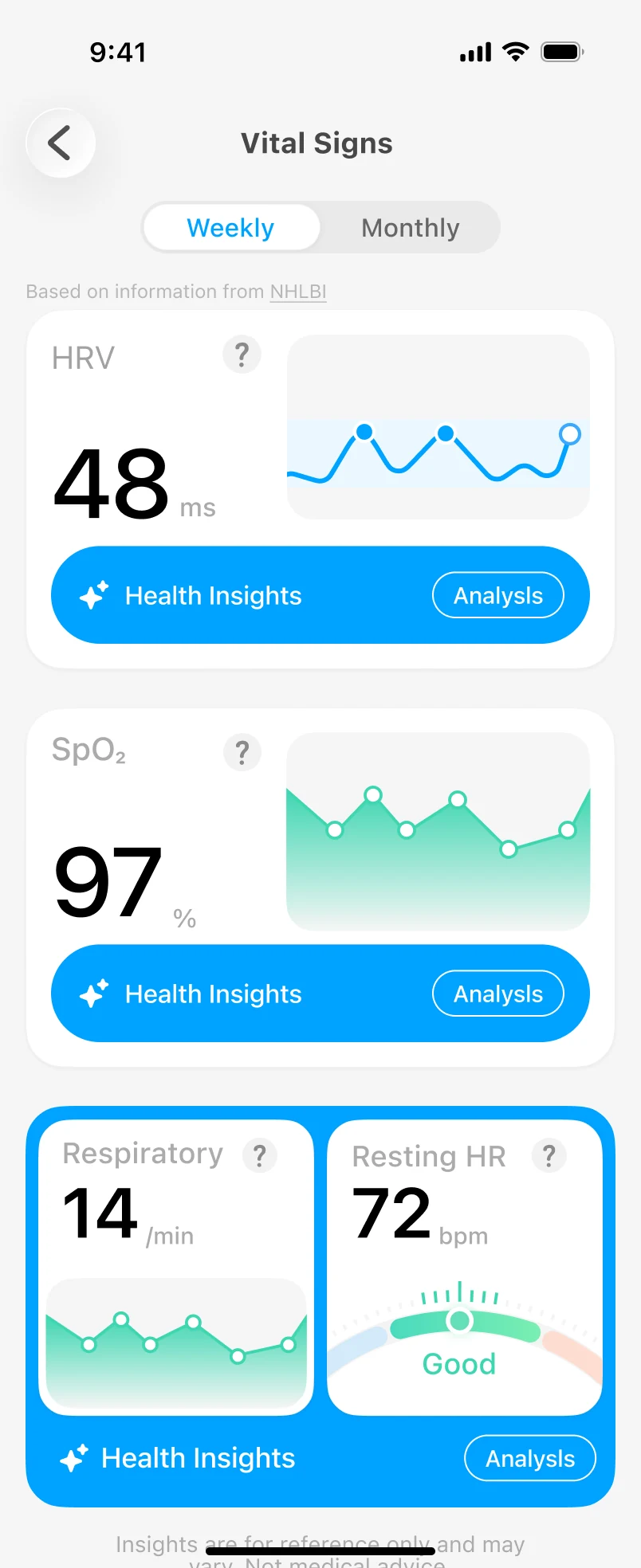
Trends with context
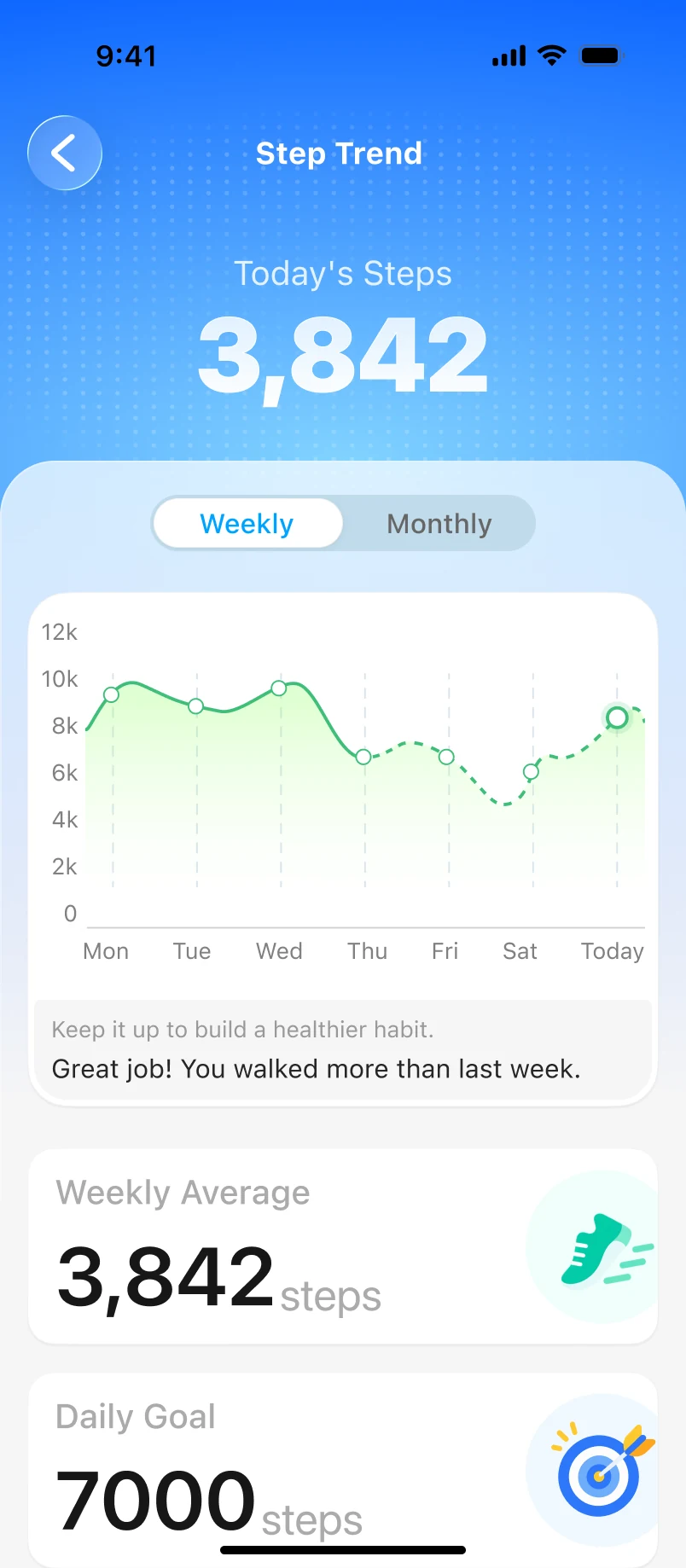
Your week compared
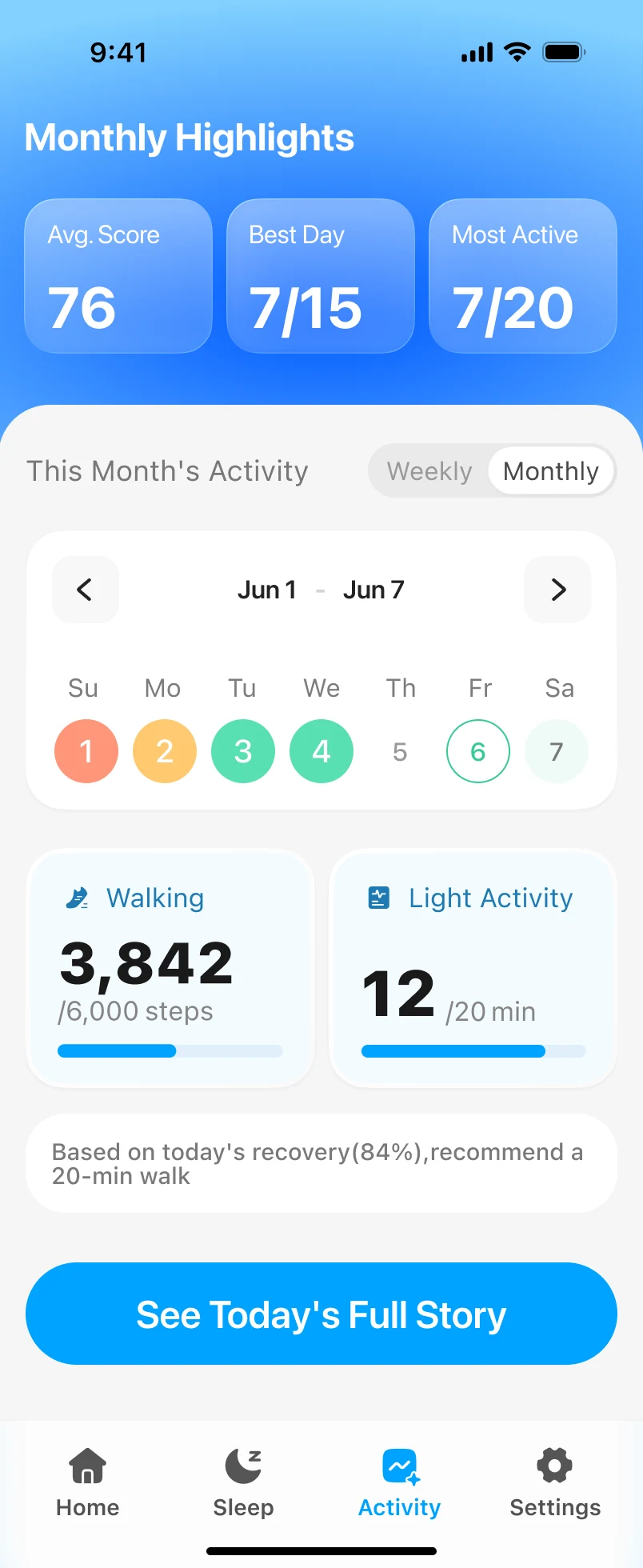
Progress over time
Three simple steps. Nothing to log by hand.
Allow Ezly to read your health data from [Apple Health / data source].
Open the app to see your Overall Score, Recovery and Readiness.
Get simple suggestions, like a 20‑minute walk, based on your recovery.
Requires iOS [VERSION] or later · Offers in-app subscriptions